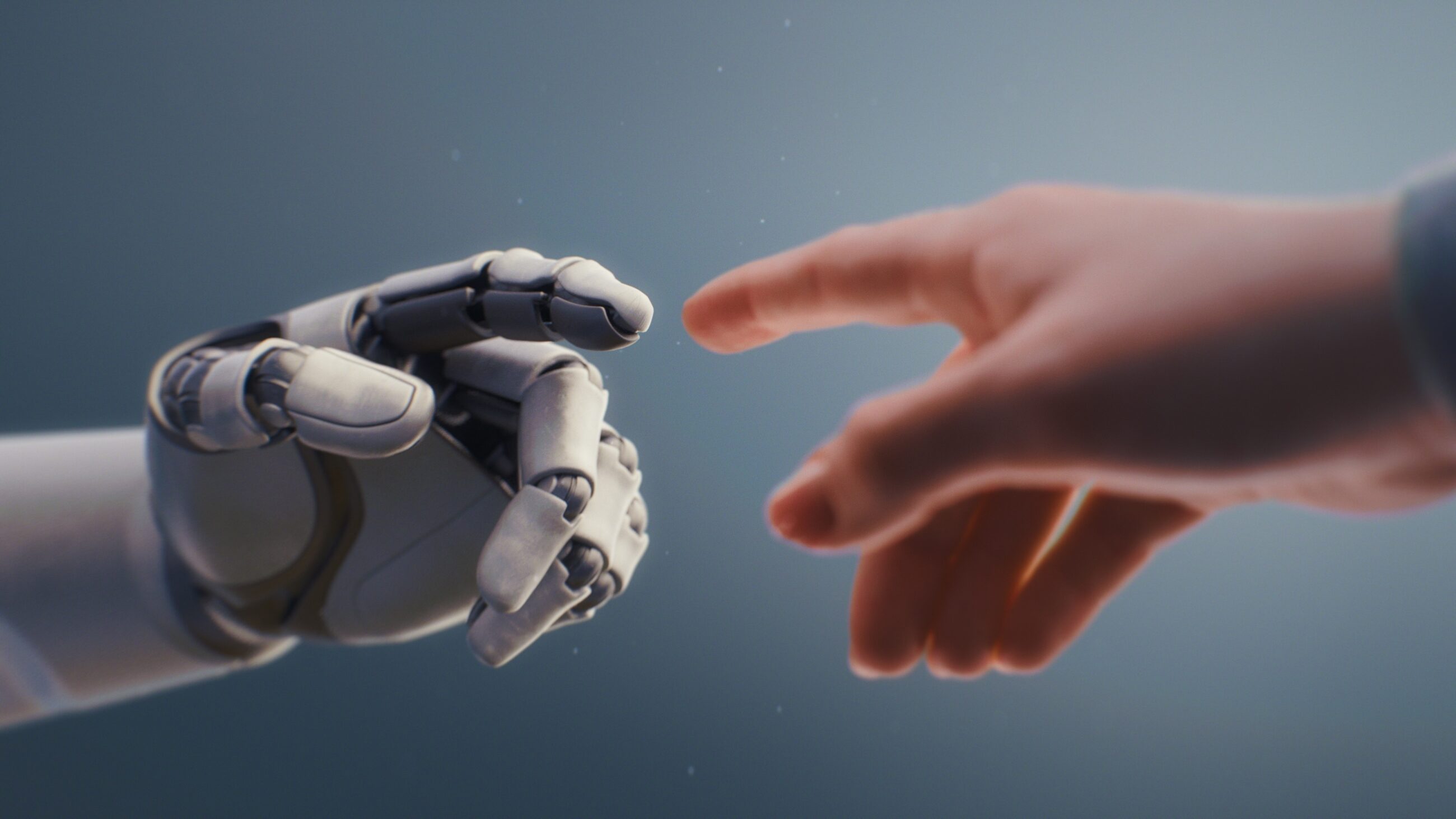
There are plenty of companies now using AI to create content, from simple stock photos to CEO talking heads. It is certainly possible, but does it create distrust and content that doesn’t feel genuine?
In our industry, trust is everything.
Content creation is about quality over quantity. Audiences can tell when a brand is posting quick content 3 times a day to stay active versus posting 3 times a week with content that is intentionally meant to engage.
Can AI create imagery that fills space on your feed? Yes. Can it create content that appeals to your audience? Maybe. Can it emulate human emotion that actually engages your audience? I don’t think so.
An article by Appraisal Economics makes a great point: “Overreliance on AI may lead to formulaic or hollow content. There is a tension between efficiency and maintaining authenticity.”
Using AI solely to create content from start to finish makes your content simply that: content. It’s noise on your feed. It doesn’t create emotion, loyalty, or trust.
Where AI Actually Helps: Planning and Post-Production
That being said, there are great ways to use AI in the planning process and post-production.
Brainstorming With AI Chatbots
Asking an AI chatbot what kind of content you should make is a great way to brainstorm. Here are a few prompts you can use to get started:
- I am the [your role] for a full-service alarm system sales and installation company. What kind of photo content can I create for our social media platforms? Can you rank your ideas from most to least time to execute?
- My company is looking to dive into video content on social media. What kind of tips can I share with our audience about alarm systems?
- Can you analyze my Instagram feed, [provide link or handle], and tell me how we can produce better engagement with our audience?
Using AI for Photo Post-Production

AI is also great for post-production of photo content. We’ve all been there: you accidentally took a great group photo with a trash can or another company’s logo in the background. If you have an application like Photoshop, it’s easy to circle the item you want to remove and simply ask Photoshop to remove it with AI. Most AI chatbots can do the same thing. Here’s how to word that request:
“Please remove the [specific object description – ‘black trash can in the far right of the image’] from this photo. Do not change anything else about the image, just remove the [shorter object description – ‘trash can’].”
When speaking to chatbots, it’s important to be specific and direct. As we’ve already covered, AI doesn’t have human emotion, so being descriptive and direct helps get the best end product without multiple revisions.
When You Need an Image AI Can’t Give You
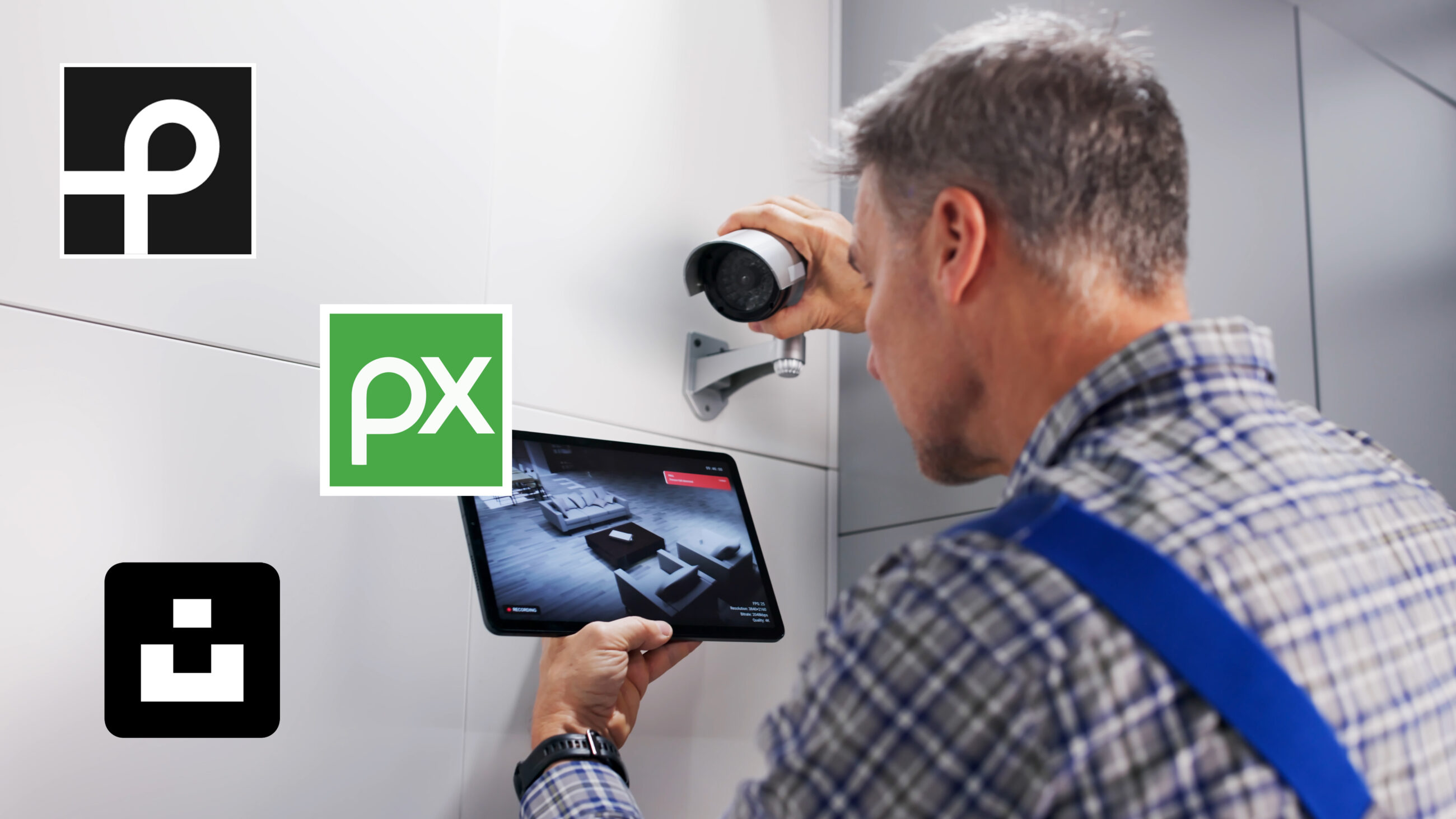
If you feel you need a certain image that you cannot produce, it can feel easy to just ask AI to make it for you. But there are free tools and stock photo websites with imagery made by real humans that will provide more genuine, relatable content for your audience to connect with.
Pexels, Pixabay, and Unsplash are great sites for finding imagery, and Canva is perfect for creating graphics. If you’re able to swing a monthly subscription, Shutterstock has great premium photo assets, and Canva Pro opens you up to thousands of premium graphics, fonts, and imagery.
The Bottom Line
While AI is a great tool for brainstorming content and evaluating what you can improve on, it isn’t the greatest solution for creating content from start to finish. Using AI intentionally in the content creation process can help create pieces that fit your brand and goals while building that genuine connection and trust between you and your customers.